8/27/2026 | 7 min read
Stocky Alternative for Shopify: A Better Way to Process Purchase Orders
Looking for a Stocky alternative for Shopify? Learn how PO Desk helps B2B merchants turn purchase orders from PDFs, spreadsheets, CSVs, and images into reviewed Shopify Draft Orders.
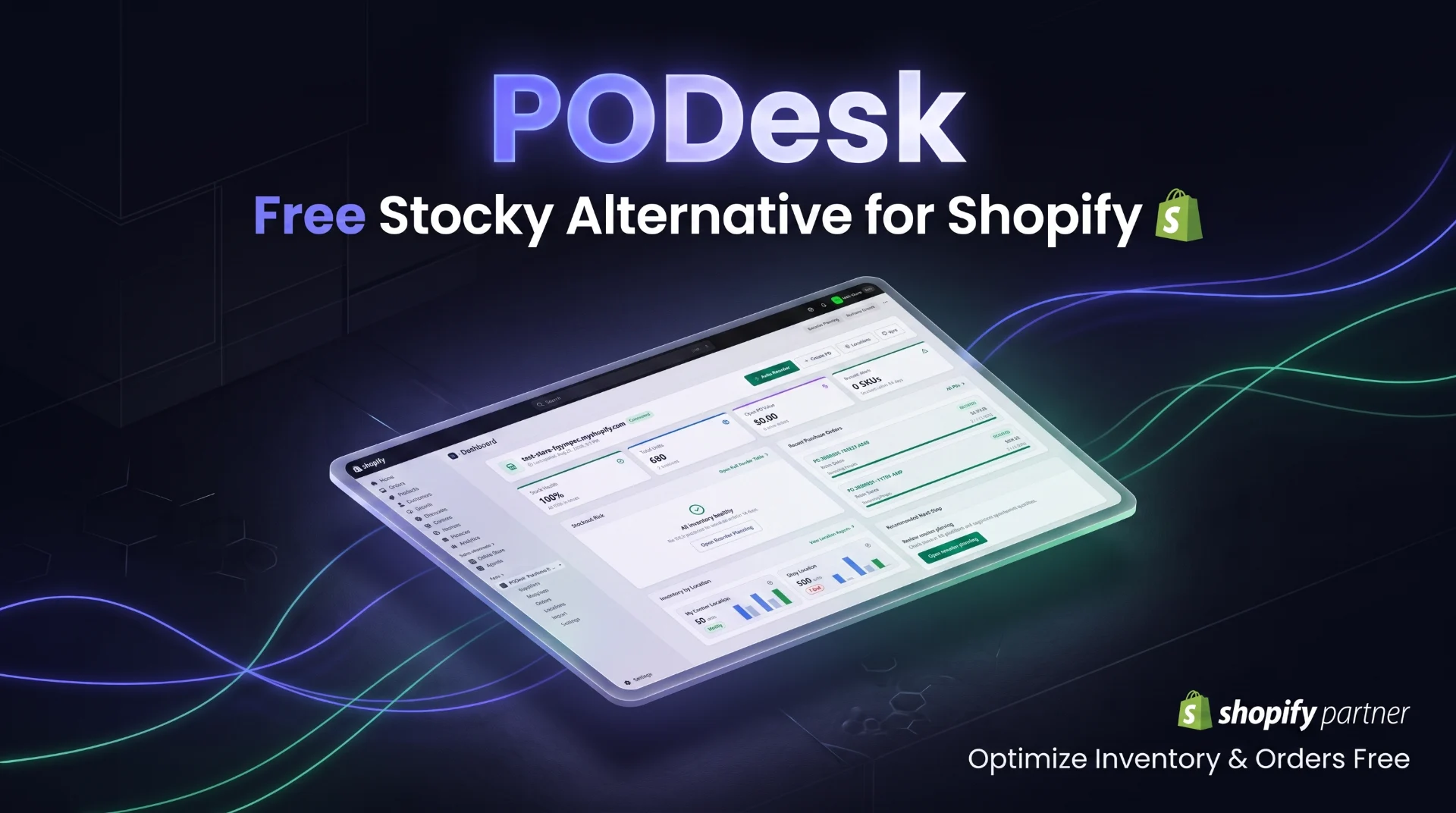
Stocky Alternative for Shopify: A Better Way to Process Purchase Orders
Shopify merchants who have relied on Stocky are now looking for new ways to manage their inventory and purchasing workflows. Shopify has announced that Stocky will no longer be available after August 31, 2026, and the app was removed from the Shopify App Store on February 2, 2026.
For merchants who process B2B purchase orders, this transition is also an opportunity to look at a more focused workflow for turning incoming purchase orders into Shopify orders.
PO Desk is built for that specific workflow: upload a purchase order, review the extracted customer and line-item information, confirm product matches, and create a Shopify Draft Order.
Why Shopify Merchants Are Looking for a Stocky Alternative
Stocky became part of many Shopify inventory workflows, particularly for merchants managing purchasing, suppliers, stock levels, and replenishment.
With Stocky being phased out, merchants need to evaluate which parts of their workflow should move into Shopify's native inventory tools and which processes may benefit from specialized software.
For B2B businesses, one of the biggest operational challenges is often not simply knowing how much inventory is available. It is processing the purchase orders that arrive from customers.
A typical B2B order workflow can look like this:
Customer sends purchase order ↓ PDF / Spreadsheet / CSV / Image ↓ Manually read order details ↓ Find customer ↓ Find products and SKUs ↓ Enter quantities ↓ Create Shopify Draft Order ↓ Review and confirm
When this happens repeatedly, manual order entry can consume significant time.
What Is PO Desk?
PO Desk is a Shopify-focused purchase order processing tool for B2B merchants.
It allows merchants to upload purchase orders in formats such as PDFs, spreadsheets, CSV files, and images. The purchase order information can then be reviewed, product line items can be matched to Shopify products using SKUs and aliases, and a Shopify Draft Order can be created after the order has been reviewed.
The workflow is designed around one simple goal:
Turn incoming purchase orders into accurate Shopify Draft Orders with less manual data entry.
How PO Desk Processes Purchase Orders
The workflow can be broken into four simple stages:
1. Upload the Purchase Order
Upload the purchase order file received from your B2B customer.
PO Desk supports purchase orders provided as PDFs, spreadsheets, CSV files, and images.
2. Extract the Order Information
The purchase order is processed so important information such as customer details and line items can be reviewed in one workspace.
This gives your team a structured view of the order instead of requiring them to manually read the document and re-enter every field.
3. Match Products and SKUs
Product matching is one of the most important parts of processing a B2B purchase order.
PO Desk helps match line items to Shopify products using SKUs and aliases, allowing merchants to verify that each requested item points to the correct Shopify product.
4. Review and Create the Draft Order
The order is not immediately pushed into Shopify without review.
Merchants can review the extracted information, correct details when necessary, confirm SKU matches, and then create a Shopify Draft Order.
This review-first workflow helps keep the merchant in control of the final order.
Stocky Alternative for B2B Shopify Merchants
Not every Stocky replacement needs to reproduce every Stocky feature.
The right solution depends on the workflow your business actually needs.
Shopify's native inventory management features now handle many of the core inventory tasks that merchants previously managed through Stocky.
For B2B merchants, however, there may still be a major operational gap between receiving a customer purchase order and creating the corresponding Shopify order.
That is where a focused purchase order workflow can provide value.
From Customer Purchase Order to Shopify Draft Order
Instead of manually entering every purchase order into Shopify, the workflow can be simplified:
Customer Purchase Order ↓ Upload File ↓ Extract Details ↓ Match SKUs ↓ Review ↓ Shopify Draft Order
This approach is especially useful for merchants who receive frequent B2B orders in document-based formats.
Why Manual Purchase Order Entry Becomes a Problem
Manual purchase order processing may seem manageable when order volume is low.
As the number of B2B orders increases, however, repetitive data entry introduces several operational challenges.
More Manual Work
Your team spends time reading purchase orders and entering the same information into Shopify.
Higher Risk of Entry Errors
Typing the wrong SKU, quantity, or customer information can create problems later in the order process.
Slower Order Processing
Every additional manual step increases the time between receiving a purchase order and creating the corresponding Shopify order.
Difficult to Scale
A process that works for a few purchase orders per week can become inefficient when the business starts receiving dozens or hundreds of B2B orders.
Who Should Consider a Shopify Purchase Order Automation Tool?
PO Desk is primarily relevant to Shopify merchants who process B2B purchase orders as part of their sales workflow.
This can include:
- B2B Shopify stores
- Wholesale businesses
- Distributors selling through Shopify
- Merchants receiving orders from business customers by email
- Stores processing PDF or spreadsheet purchase orders
- Teams manually creating Shopify Draft Orders from customer POs
What to Look for in a Stocky Alternative
There is no single Stocky replacement that is perfect for every Shopify business.
Instead, evaluate the workflow your business depends on.
Shopify Integration
The solution should work with your existing Shopify environment instead of forcing your team into a completely separate ecommerce platform.
Purchase Order Processing
If your customers regularly send purchase orders, processing those documents should be a first-class workflow rather than a manual workaround.
Product and SKU Matching
Accurate product matching is essential when customer purchase orders use SKU numbers, aliases, or product references.
Human Review
Automation should not remove visibility from the merchant. A review step gives your team the opportunity to confirm and correct order information before creating the final Shopify Draft Order.
Reduced Data Entry
The biggest benefit of automation is reducing repetitive administrative work while keeping the merchant in control of the final order.
PO Desk and the Future of Shopify B2B Order Processing
As Shopify's native platform continues to evolve, merchants are increasingly able to keep more of their core inventory operations inside Shopify.
At the same time, specialized tools can focus on specific operational bottlenecks.
For B2B merchants, purchase order processing is one of those bottlenecks.
The future workflow does not have to be:
Purchase Order ↓ Manual Data Entry ↓ Shopify Draft Order
It can become:
Purchase Order ↓ Automatic Extraction ↓ SKU Matching ↓ Human Review ↓ Shopify Draft Order
That creates a more structured bridge between the documents customers send and the orders your Shopify store needs.
Is PO Desk a Replacement for Shopify Inventory Management?
No. PO Desk is not intended to replace Shopify's core inventory management system.
Shopify provides native inventory management features for tracking and managing inventory across the platform.
PO Desk focuses on a different operational problem: processing incoming customer purchase orders and turning them into reviewed Shopify Draft Orders.
For many B2B merchants, these workflows can work together.
Final Thoughts
Stocky's retirement is an important change for Shopify merchants, but it does not mean every business needs to find a one-to-one replacement for every Stocky feature.
The better approach is to identify the workflows that matter most to your business and choose tools that solve those specific problems.
For B2B merchants that receive purchase orders as PDFs, spreadsheets, CSV files, or images, PO Desk provides a focused workflow for extracting order information, matching products and SKUs, reviewing the results, and creating Shopify Draft Orders.
Instead of manually entering every purchase order into Shopify, build a faster review-first workflow with PO Desk.
Frequently Asked Questions
What is the best Stocky alternative for Shopify?
The best alternative depends on which Stocky workflows your business needs. Shopify's native inventory management can replace many core inventory tasks, while specialized tools can address specific operational workflows such as purchase order processing.
Is Stocky still available?
Shopify says Stocky will no longer be available after August 31, 2026. Shopify also states that Stocky was delisted from the Shopify App Store on February 2, 2026.
What does PO Desk do?
PO Desk helps B2B merchants process purchase orders from PDFs, spreadsheets, CSV files, and images, review extracted order information, match line items to Shopify products, and create Shopify Draft Orders.
Can PO Desk create Shopify Draft Orders?
Yes. After reviewing the extracted order details and confirming product matches, merchants can create a Shopify Draft Order.
Does PO Desk replace Shopify?
No. PO Desk is designed around Shopify and focuses on purchase order processing rather than replacing Shopify's ecommerce platform or core inventory system.
Who is PO Desk for?
PO Desk is designed for B2B merchants, wholesalers, distributors, and Shopify businesses that regularly receive customer purchase orders and manually convert them into Shopify Draft Orders.
Comments
0 replies- No comments yet. Be the first to share your thoughts.