5/26/2026 | 3 min read
Shopify Section Schema: How I Build Editable Theme Sections
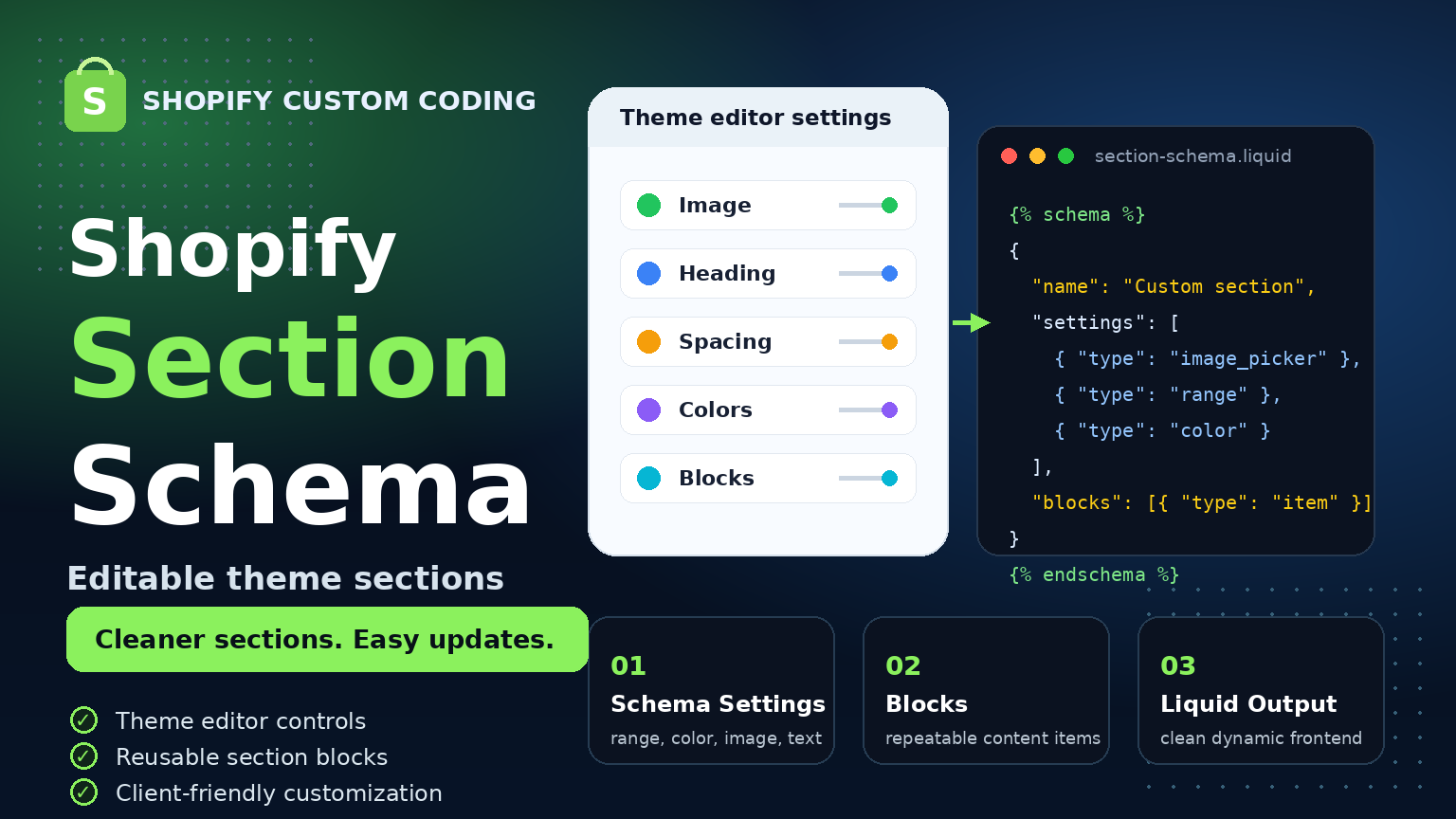
Shopify section schema helps create editable theme sections with custom settings, blocks, images, colors, spacing, and content controls so store owners can update sections without touching code.
Shopify Section Schema: How I Build Editable Theme Sections
When building a Shopify store, a section should not only look good on the frontend. It should also be easy to manage from the Shopify theme editor.
This is where Shopify section schema becomes very important. With schema, developers can create editable sections where store owners can update headings, images, colors, spacing, buttons, and repeated content without touching the code.
What Is Shopify Section Schema?
Shopify section schema is the configuration area inside a Liquid section file. It defines what settings, blocks, and controls will appear in the Shopify theme editor.
For example, a custom section can have settings for heading text, background color, image picker, button link, padding, layout width, and repeatable blocks.
Why Section Schema Matters
A hardcoded section may work at first, but it is not flexible. If the store owner needs to change text, images, colors, or spacing, they may need a developer every time.
With proper section schema, the same section becomes editable and reusable. This makes the store easier to manage and more professional.
- Store owners can update content from the theme editor
- Sections become reusable across different pages
- Less hardcoded content inside the theme
- Better control over layout, colors, and spacing
- Cleaner and more maintainable Shopify theme code
Common Settings I Use in Shopify Sections
When I build custom Shopify sections, I usually add practical settings that make the section easy to customize.
- Text settings: Heading, subheading, description, button text
- Image settings: Image picker, mobile image, icon image
- Color settings: Background color, text color, button color
- Range settings: Padding, max width, section height, gap
- URL settings: Button link or custom navigation link
- Block settings: Repeated cards, icons, features, FAQs, or steps
Why Blocks Are Useful
Blocks are very useful when a section needs repeated content. For example, a feature section may have multiple cards, a FAQ section may have multiple questions, or a process section may have multiple steps.
Instead of hardcoding every item, blocks allow the store owner to add, remove, and reorder content directly from the theme editor.
Simple Example Structure
{% schema %}
{
  "name": "Custom Feature Section",
  "settings": [
    {
      "type": "text",
      "id": "heading",
      "label": "Heading"
    },
    {
      "type": "image_picker",
      "id": "image",
      "label": "Image"
    },
    {
      "type": "color",
      "id": "background_color",
      "label": "Background color"
    }
  ],
  "blocks": [
    {
      "type": "feature",
      "name": "Feature item"
    }
  ],
  "presets": [
    {
      "name": "Custom Feature Section"
    }
  ]
}
{% endschema %}
This kind of structure makes the section more flexible and easier to use inside the Shopify theme editor.
What I Focus on While Building Sections
When I build Shopify sections with custom coding, I try to keep the setup clean, safe, and easy to manage.
- Clean Liquid structure
- Valid Shopify schema
- Responsive layout
- Theme editor friendly controls
- No unnecessary app dependency
- Reusable section logic
- Mobile-friendly design
Why This Helps Store Owners
A well-built Shopify section gives more control to the store owner. They can update content, change images, adjust spacing, and manage section items without editing code.
This creates a better workflow because the developer builds the system, and the store owner can manage content safely from the admin.
A good Shopify section should be clean on the frontend and easy to manage from the theme editor.
Final Thoughts
Shopify section schema is one of the most important parts of custom Shopify theme development. It helps turn static designs into editable, reusable, and client-friendly theme sections.
For professional Shopify development, custom sections should not only match the design. They should also be easy to update, scalable, and cleanly coded.
That is why I use proper section schema when building custom Shopify sections with Liquid, CSS, and JavaScript.
Comments
0 replies- No comments yet. Be the first to share your thoughts.