5/22/2026 | 4 min read
Shopify Dynamic Sources: How I Connect Metafields to Theme Sections
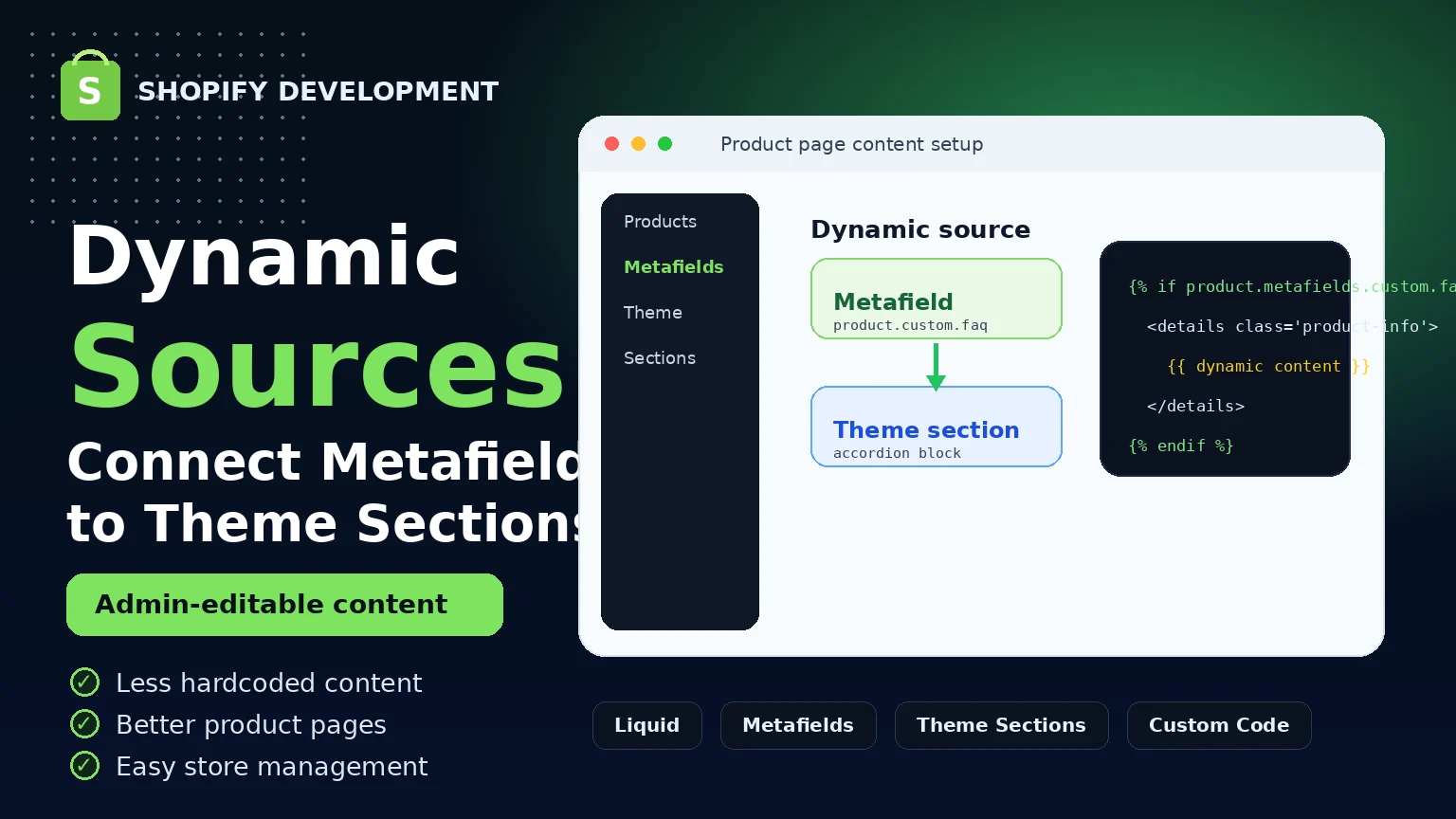
Shopify Dynamic Sources help connect metafields and custom content directly with theme sections, making product pages easier to manage without hardcoding everything inside the theme.
Shopify Dynamic Sources: How I Connect Metafields to Theme Sections
Shopify product pages often need custom content such as product features, size guides, FAQs, shipping notes, care instructions, and extra product details. If all of this content is hardcoded inside the theme, managing the store becomes difficult over time.
This is where Shopify Dynamic Sources become very useful. Dynamic Sources allow store owners and developers to connect metafields directly with theme sections, making the content easier to manage from the Shopify admin.
What Are Shopify Dynamic Sources?
Shopify Dynamic Sources allow theme sections and blocks to display dynamic content from Shopify data, such as product metafields, collection metafields, metaobjects, and other custom fields.
Instead of writing fixed content inside the theme code, we can create flexible sections that pull content from metafields. This makes the Shopify store cleaner, more scalable, and easier to update.
Why Dynamic Sources Matter
A Shopify store should be easy to manage. If every product content update requires code editing, the workflow becomes slow and risky. Dynamic Sources solve this problem by allowing content to be controlled from the Shopify admin.
- Less hardcoded content
- Easier product content management
- Cleaner Shopify theme structure
- Better flexibility for store owners
- More scalable product pages
- Reusable theme sections
How I Use Dynamic Sources in Product Pages
When I build custom Shopify product pages, I often create sections that can read metafield values dynamically. For example, a product page accordion can show different content for each product without changing the theme code every time.
A product can have different values for size guide, delivery information, product benefits, or FAQs. The theme section stays the same, but the content changes based on the selected product.
Example Use Cases
- Product features: Show unique feature points for each product.
- Size guide: Display product-specific size guide information.
- FAQs: Add product-specific questions and answers.
- Shipping note: Show delivery information based on the product.
- Care instructions: Add custom care details for different products.
- Custom badges: Show labels like Best Seller, New Arrival, or Limited Stock.
Simple Example Structure
Product metafields:
custom.feature_list
custom.size_guide
custom.shipping_note
custom.faq_content
custom.care_instruction
These metafields can be connected with Shopify theme sections using Dynamic Sources. This allows the same product page design to work for many products while showing different content for each one.
Why This Is Better Than Hardcoding
Hardcoded content may work for one or two products, but it becomes difficult when the store grows. If a store has many products, editing code for every product is not a good long-term solution.
Dynamic Sources make the store easier to maintain because the content can be updated from the Shopify admin. Developers can focus on building clean sections, and store owners can manage content without touching code.
Good for Store Owners and Developers
Dynamic Sources create a better workflow for both developers and store owners. Developers can build reusable theme sections, while store owners can update product content safely from the admin panel.
This makes the store more professional and scalable. It also reduces the chance of breaking the layout while updating content.
How It Improves Product Page Experience
A product page should give customers the information they need quickly and clearly. Dynamic content helps show the right information for the right product.
- Customers get more relevant product information
- Product pages look more complete and professional
- Content becomes easier to update
- The theme stays clean and reusable
- The store becomes easier to scale
Dynamic Sources help connect Shopify content with theme design in a clean, flexible, and scalable way.
Final Thoughts
Shopify Dynamic Sources are very useful for building modern product pages. They help connect metafields and custom content with theme sections, reducing hardcoded content and making the store easier to manage.
For custom Shopify development, this approach is important because it keeps the theme clean, flexible, and ready for future growth.
If you want a Shopify store that is easy to manage, scalable, and professionally structured, using Dynamic Sources with metafields is a smart solution.
Comments
0 replies- No comments yet. Be the first to share your thoughts.